MikroTik CCR vs CRS vs CSS: Differences, Features & Best Use Cases
Confused about MikroTik CCR, CRS, and CSS? Learn the key differences, features, and best use cases to choose the right networking device.
Written by
Dreams Network & Technology
0
Views
1
Likes

0
1
4 min read
MikroTik CCR vs CRS vs CSS: Differences, Features & Best Use Cases
Confused about MikroTik CCR, CRS, and CSS? This quick guide explains the key differences, features, and real-world use cases to help you choose the right networking device.
If you are new to MikroTik, these product names describe what each device is built for—whether it is routing, switching, or both.
CCR (Cloud Core Router) – High-Performance Routing
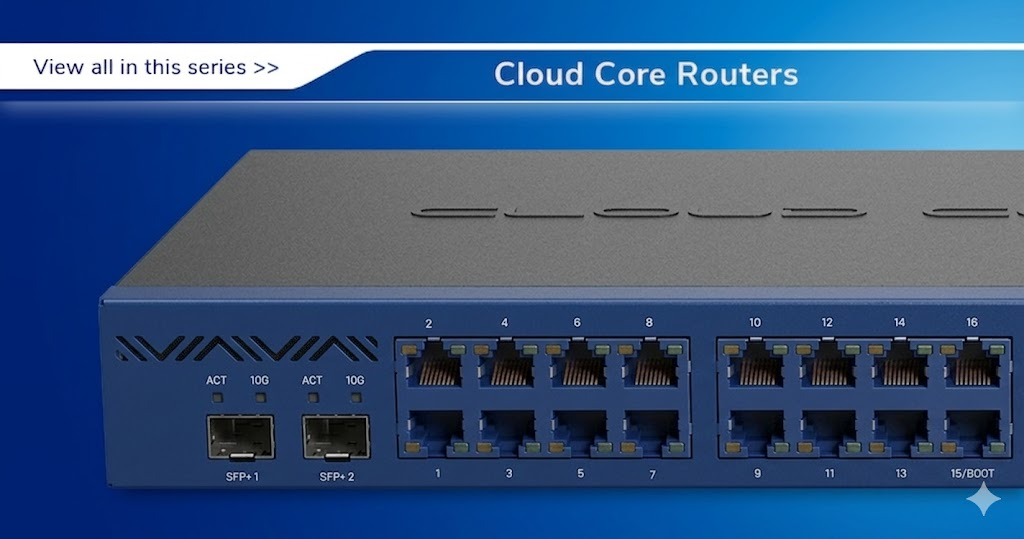
CCR devices are powerful routers designed for high-speed data processing and advanced routing. They run on RouterOS and are widely used in ISPs, data centers, and enterprise networks.
Key Features:
- Multi-core CPUs for handling heavy traffic
- Advanced routing capabilities
- High throughput performance
Best For: ISPs, enterprise networks, large-scale deployments
CSS (Cloud Smart Switch) – Simple & Efficient Switching
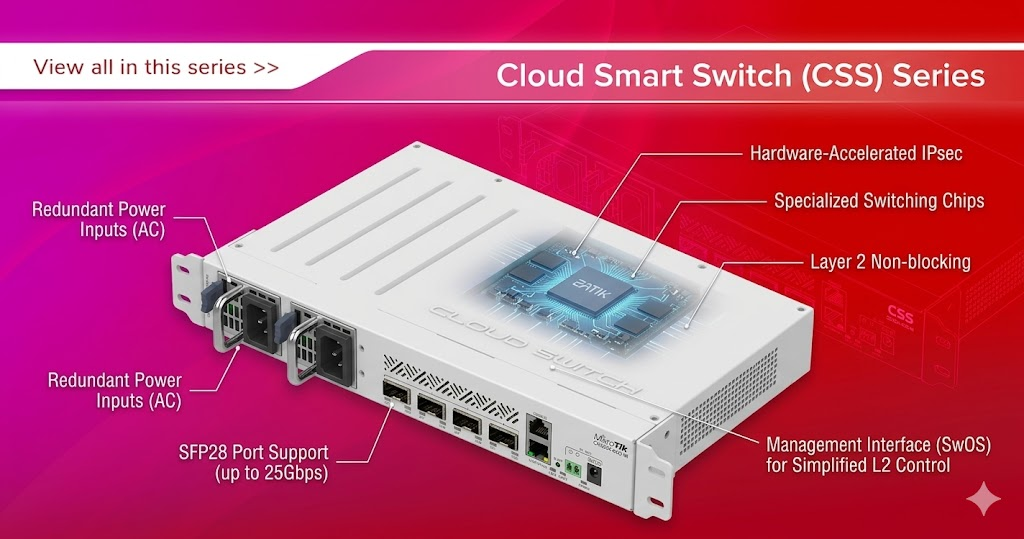
CSS devices are managed switches that run on SwitchOS. They focus on Layer 2 switching, making them simple, reliable, and cost-effective.
Key Features:
- VLAN support
- Traffic control and port management
- Lightweight and easy configuration
Best For: Small offices, home networks, and basic switching setups
CRS (Cloud Router Switch) – Hybrid Flexibility
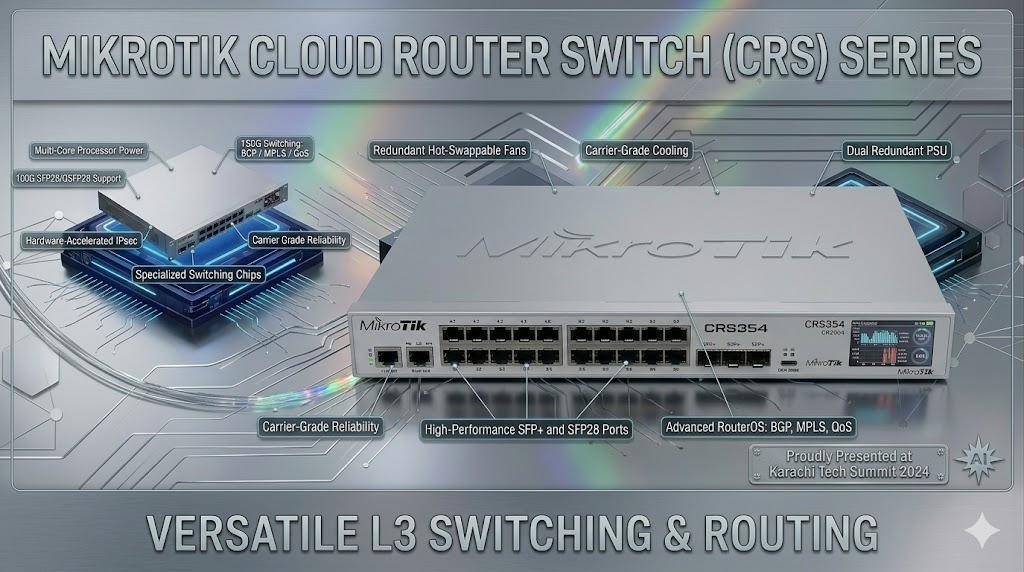
CRS devices combine switching and routing features. They can run both RouterOS and SwitchOS, offering flexibility depending on your requirements.
Key Features:
- Hybrid functionality (Layer 2 + limited Layer 3)
- Flexible OS selection
- Better traffic management control
Best For: Office networks, growing businesses, and mixed-use environments
MikroTik CCR vs CRS vs CSS – Quick Comparison
| Feature | CCR | CRS | CSS |
|---|---|---|---|
| Type | Router | Hybrid | Switch |
| OS | RouterOS | RouterOS + SwitchOS | SwitchOS |
| Performance | High | Medium | Basic |
| Best Use | ISPs & Data Centers | Business Networks | Small Networks |
Which MikroTik Device Should You Choose?
- Choose CCR for high-performance routing and enterprise environments
- Choose CRS for flexible switching with some routing capabilities
- Choose CSS for simple, cost-effective switching
About Dreams Network
At Dreams Network & Technology, we help businesses choose the right networking solutions—from MikroTik routers to complete infrastructure setups.
Whether you are building a small office network or a large-scale ISP system, we provide reliable products and expert support.
Contact Dreams Network & Technology
- Website:www.dreamsnw.com
- Email:sales@dreamnw.com
- WhatsApp:Chat on WhatsApp
- Phone:(021) 111 111 368